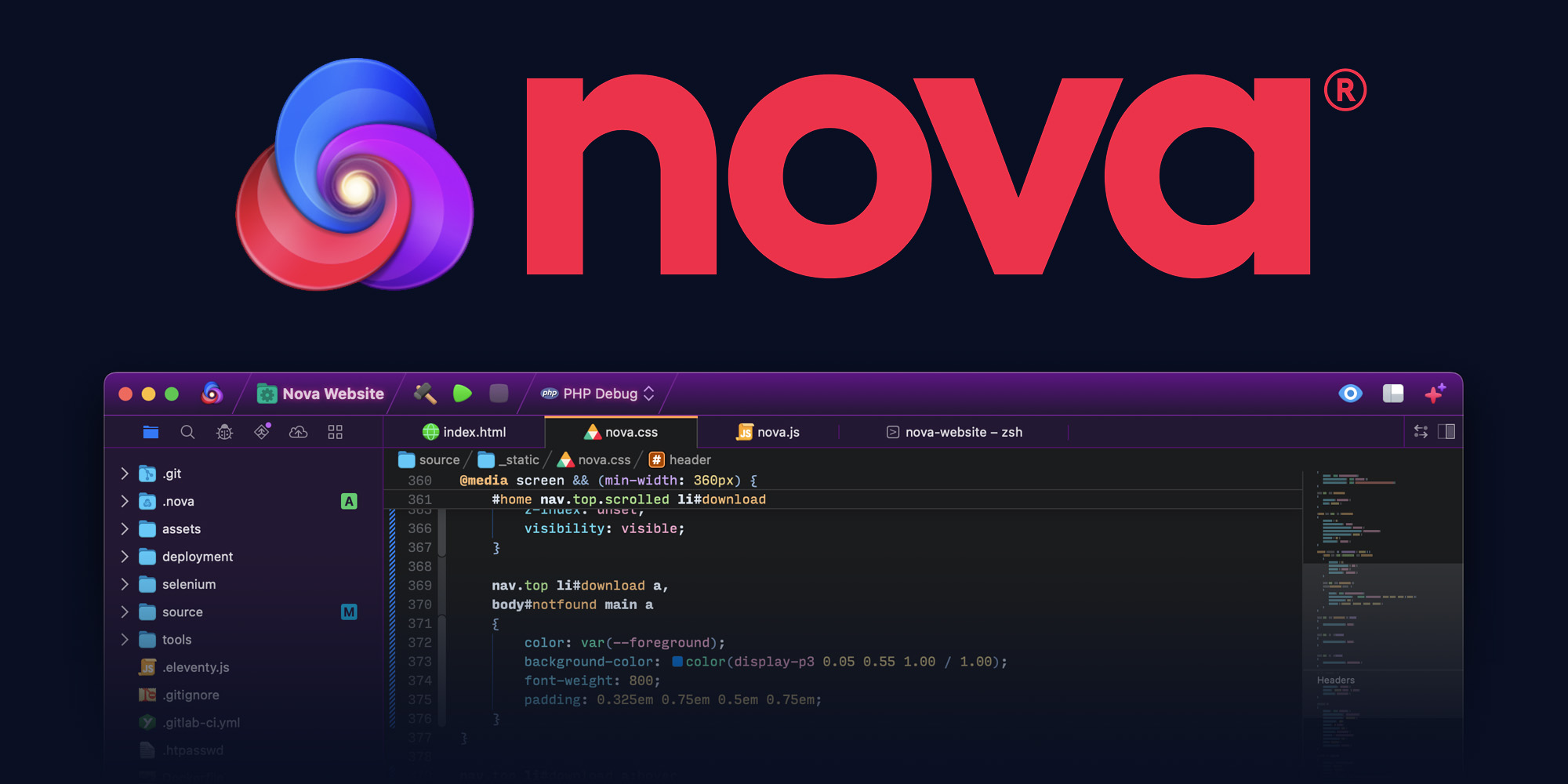
- A powerful editor.
- Flexible workflows.
- Helpful debugging.
- Useful tools.
- Robust extensions.
- And lots of settings.
The Editor.
It all starts with our first-class text-editor.
It's new, hyper-fast, and flexible, with all the features you want: smart autocomplete, multiple cursors, a Minimap, editor overscroll, tag pairs and brackets, and way, way more.

Autocomplete with Fuzzy Matching
Minimap
Issues
Multiple Cursors
Git Status
For the curious, Nova has built-in support for CSS, Diff, EJS, ERB, HTML, INI, JavaScript, Jinja, JSON, JSX, Less, Lua, Markdown, Perl, PHP, Python, Regex, Ruby, Sass, SCSS, Shell Script, SQL, Tree-sitter Query, TOML, TSX, TypeScript, XML, and YAML.
It's also very expandable, with a robust API and a built-in extension browser.
(Here's a little editor story for fun. During beta we found some bugs in Apple's text layout engine that we just could not fix. Our solution? Writing our own text layout manager… from scratch. Not only did this fix the bugs, but it also boosted our editor's performance. We're not messing around!)
But even the best text engine in the world means nothing unless you actually enjoy spending your time in the app. So, how does Nova look?
The Workflows.
Nova doesn't just help you code. It helps your code run.
You can easily create build and run tasks for your projects. We didn't have them in Coda, but boy do we have them now. They're custom scripts that can be triggered at any time by toolbar buttons or keyboard shortcuts.
Imagine building content, and with the single click of a button watching as Nova fires up your local server, grabs the appropriate URL, and opens a browser for you, instantly. Just think of the time you'll save.
Nova supports separate Build, Run, and Clean tasks. It can open a report when run. And the scripts can be written in a variety of languages.
Debugging.
Sometimes you need to get into the details.
Nova has built-in debugging support for PHP, Python, Chrome, Node.js, Deno, and our very own Playdate Simulator. It features a new Debug sidebar, a Debugger in the console, breakpoints, and more. It's really great.
Need support for a different language? Check our extensions library, or create your own using Nova's extensions API.

The Tools.
Now, this is important. Editing text is just part of what Nova does.
We've bundled in extremely useful tools to help you get your work done quickly and efficiently. They're all fast and native too, of course.

The New Tab button doesn't just open a fresh document. although it does that, too.
Click it to quickly access a feature-packed Transmit file browser, or a super-convenient Prompt terminal, all right inside Nova.
Meanwhile, Nova's sidebar is packed with power.
The sidebar can also be split to show multiple tools at once, on the left and/or right side of your editor. And you can drag your favorite tools into the sidebar dock at the top for one-click access.

Nova also has Git source control tools built-in. Clone. Click-to-clone. Initialize a repo. Fetch and pull. Stage and unstage. Commit. Push. You know the drill.
Git status is available both in the editor and the sidebar. And a useful "Show Last Change for Line" pop-up explains commits.

Slide open the comparison view to diff a file against a Git commit or another file, or even diff two specific commits, and quickly see what's changed.
The Extensions.
Nova has a robust extensions API.
A Nova extension can do lots of things, like add support for new languages, extend the sidebar, draw beautiful new themes and syntax colors, validate different code, and much more.
Even better, extensions are written in JavaScript, so anyone can write them. And Nova includes built-in extension templates for fast development.
Check out some of this week’s popular extensions…
The Settings.
People have strong editor opinions.
And we're here to help. Nova has a whole host of settings. We have easily customizable key bindings. We have custom, quickly-switchable workspace layouts. And we have loads of editor tweaks, from matching brackets to overscroll.
(And if there's something you need to work that Nova doesn't have, just let us know! Nova is always changing, always growing.)


Click around to see Nova's preferences!
And So Much More.
Show it all!
-
Command Palette
-
Project Launcher with Custom Artwork
-
Multiple Sidebars & Sidebar Splits
-
Separate Editor & Window Themes
-
Automatic Theme Changes
-
Global & Project Clips
-
Project-Wide Indexing
-
Intelligent, Extendable Autocomplete
-
Powerful Open Quickly
-
Git Source Control Sidebar
-
Preview Tabs
-
Built-in Static Web Server
-
Remote Publishing via FTP, SFTP, WebDAV, & Clouds
-
Local & Remote Terminals
-
Markdown Preview
-
Customizable In-App Key Bindings
-
Panic Sync for Servers & Keys
-
Robust Extension API
-
In-App Extension Library
-
novaCommand Line Tool -
Vim Keybindings
-
Git Service Accounts
-
Reopen Recently Closed Files
-
Small or Large Sidebar Dock Sizes
-
Project-specific Sidebar Layouts
-
Remote-Bound Workspaces
-
Quick Tab Overview
-
Customizable Event Behaviors
-
Deep-Filtering Files Sidebar
-
Ignored Files in Sidebar
-
Drag-to-Split
-
Easily Merged JSON Project Settings
-
Files Sidebar Navigation Controls
-
Single-Click to Open Files
-
Find & Replace in Project
-
Powerful Find & Replace Wildcards
-
Find Scopes
-
Ignore Specific Files when Indexing
-
Remote Files Sidebar
-
Server Preferences
-
Staged Publishing List
-
Multiple Publishing Destinations per Project
-
Save & Publish
-
Rich Editor Typography & Styling
-
Customizable Line Height
-
Text Glow Support in Themes
-
Multiple Insertion Point Styles
-
Type & Function Separators
-
Customizable Editor Overscroll
-
Source Control Change Annotations
-
Automatic Link Detection
-
Spell Checking
-
Powerful Clip Wildcard Tokens
-
Expandable Issue Line Annotations
-
Hierarchical Symbols List
-
Jump To Definition
-
Dictionary Define Popover
-
EditorConfig Support
-
Customizable Markdown Stylesheets
-
Rainbow Bracket Nesting
-
Rainbow Indentation Guides
-
Matching Tag Highlighting
-
Identifier Highlighting
-
Automatic Closing-Bracket Insertion
-
Bracket Wrapping
-
Automatic Tag Closing
-
Customizable Wrap Indentation
-
Quickly Add Cursors for Successive Lines
-
Project Issues Sidebar
-
Git Branch & Switch
-
Git Commit, Fetch, Push, & Pull
-
Image, Audio, & Video Media Viewers
-
Extension Updating Without Restarting IDE
-
Task Output Reports
-
Remote Tasks on Unix, Linux, Windows, & PowerShell
-
Custom Task Environment Variables
-
Automatic Parsing of Task Output Into Issues
-
Auditory and Visual Terminal Beeps
-
Customizable Terminal Tab Titles
-
Terminal Key-Binding Escape Sequences
-
Terminal "Option as Meta Key"
-
Terminal URL and file detection
-
Terminal Mouse Events
-
RSA, ECDSA, & ED25519 Keys
-
Dual-Pane File Browser Tabs
-
Cloud Provider Files Support
-
Transfer Transcripts
-
Robust Transfer Settings & Rules
-
External Preview in Browser with Live Reload
-
Non-Interruptive Updates
-
Install Updates On Quit
-
Coda 2 Import & Migration Assistant
-
Transmit 5 Import
-
No-Fuss Analytics & Privacy Settings
-
And Now You Know Why This Took Us a Few Years
-
For Extensions: Develop Extensions In-App
-
Safe, Sandboxed Environment
-
Robust JavaScript API
-
Project & Global Settings
-
Rapidly Reload and Test Live
-
Filesystem, Network, & Subprocess Access
-
Debug Console
-
Editor & Project Actions
-
Linters & Validators
-
Custom Language Grammars
-
Expressive Completion Providers
-
Build & Run Task Templates
-
Custom Sidebars
-
Syntax Inspector
-
Language Server Protocol Support
-
Custom Themes
-
Workspace Notifications
-
Text Parsing & Encoding Utilities
-
Secure Credential Storage
-
Submit Extensions Easily with Validation
Related Tools
Appy Pie
No-code builder with AI website and app generation tools for quickly creating digital experiences.

iSH
iSH is a project to get a Linux shell environment running locally on your iOS device, using a usermode x86 emulator.

Jam
Report bugs in seconds, and get back to what you were doing. It's as easy as taking a screenshot. Fast for you, and perfect for the engineers.

HTML Sketchapp
HTML Sketchapp turns HTML nodes into Sketch layers or symbols. Additionally, it allows to export shared text styles and document colors.

Keyframes
Keyframes helps you write better CSS. Dead simple visual tools to help you generate CSS for your projects.

React Sketch.app
Render React components to Sketch; tailor-made for design systems

Lottie
An iOS, Android, and React Native library that renders After Effects animations in real time, allowing apps to use animations as easily as they use static images.

Bodymovin
An After Effects extension to export animations for web.

Storybook
An open source tool for developing UI components in isolation for React, Vue, and Angular. It makes building stunning UIs organized and efficient.

Fractal
Build. Document. Integrate. Powerful component libraries & styleguides that fit the way you work.

Catalog
Combine design documentation with real, live components in one single place, making collaboration between designers and developers seamless.

Flywheel
Whatever your work environment, Flywheel's powerful WordPress platform removes all the hassles of hosting, streamlines your processes, and lets you get back to doing your best work.

Netlify
Netlify is everything you need to build fast, modern websites: continuous deployment, serverless functions, and so much more.

Hugo
Hugo is one of the most popular open-source static site generators. With its amazing speed and flexibility, Hugo makes building websites fun again.

Jekyll
Transform your plain text into static websites and blogs.