

PROSEPAINTER 2
Paint - don't prompt
Find your Style
Create unique styles in seconds using our intuitive style slider interface. Mix and match different style ingredients to craft the perfect brush for your artwork.
- ✓ Combine any number of style ingredients
- ✓ Add custom prompts for more control
- ✓ Save and share your favorite combinations
Style by Image Reference
Use images as a style reference to create brushes that capture the essence of a particular medium or aesthetic. Experiment with different visual styles to find the perfect look.
- ✓ Mix several images to create hybrid styles
- ✓ Capture a section of your work-in-progress to lock in a style
- ✓ Build a library of favorite styles
Fine-Grained Control
- ✓ Use text prompts to guide the AI in your generations.
- ✓ Adjust AI strength to balance between your input and AI creativity.
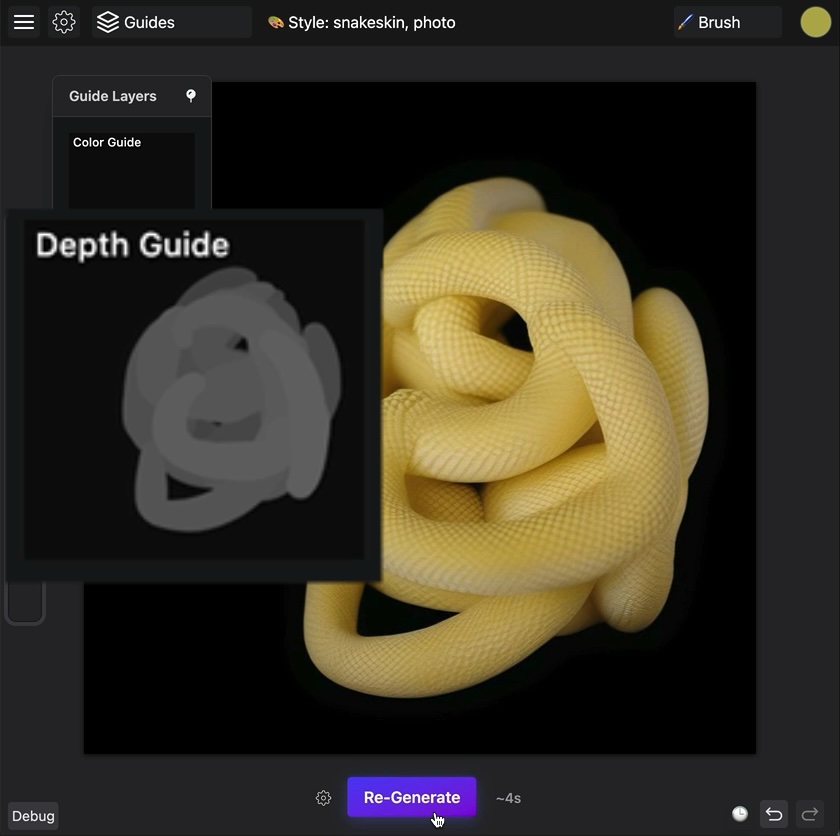
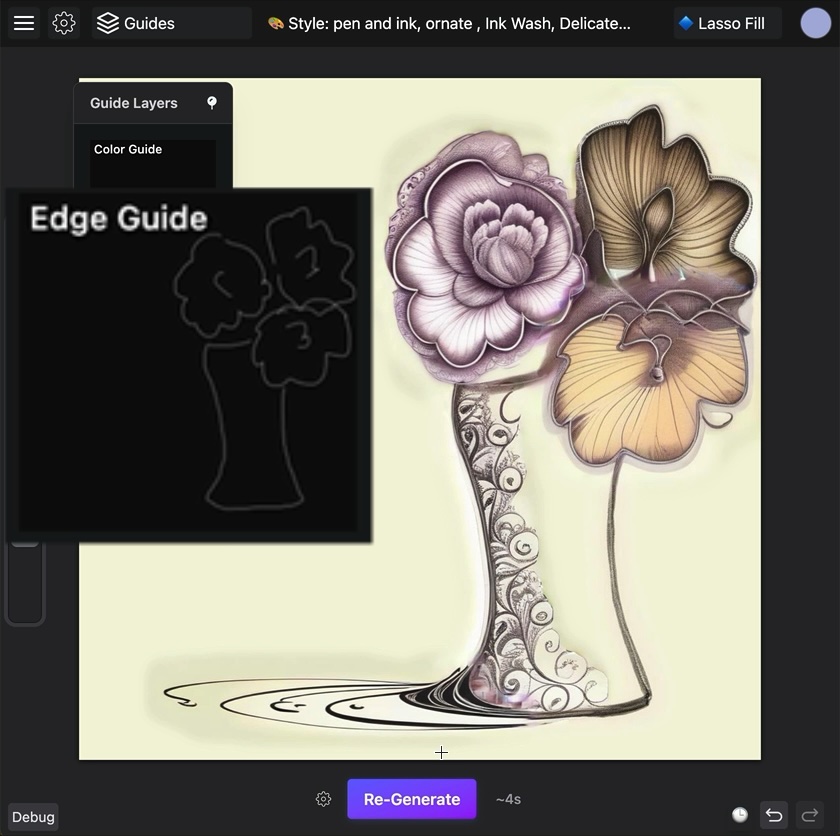
ControlNet Guides
Use advanced guides like edge and depth maps to steer your generations with precision.
Grow as You Go
Expand and crop seamlessly as your artwork evolves.
- ✓ Expand your canvas in any direction up to 5k
- ✓ Upscale your artwork for added detail
Optimized for Exploration
- ✓ Randomize your styles for fresh ideas
- ✓ A range of mirroring options to jumpstart your compositions
Ready to Create?
Start painting with ProsePainter today
Related Tools
Doodle Ipsum
Illustration placeholders for developers. Powered by Blush
ASCII Art Paint
The editor for ASCII-graphics, combining a graphical editor and an image to text converter. Decorate your text and surprise your readers with an original social media post or blog post using ASCII graphics. The tool does not require an internet connection and can work offline in a browser.
Ok! So...
The drawing app to express, grasp, and organize your thoughts and ideas

Vectorpea
Vectorpea.com is a free online tool for editing vector graphics with support for AI, PDF and SVG files.