
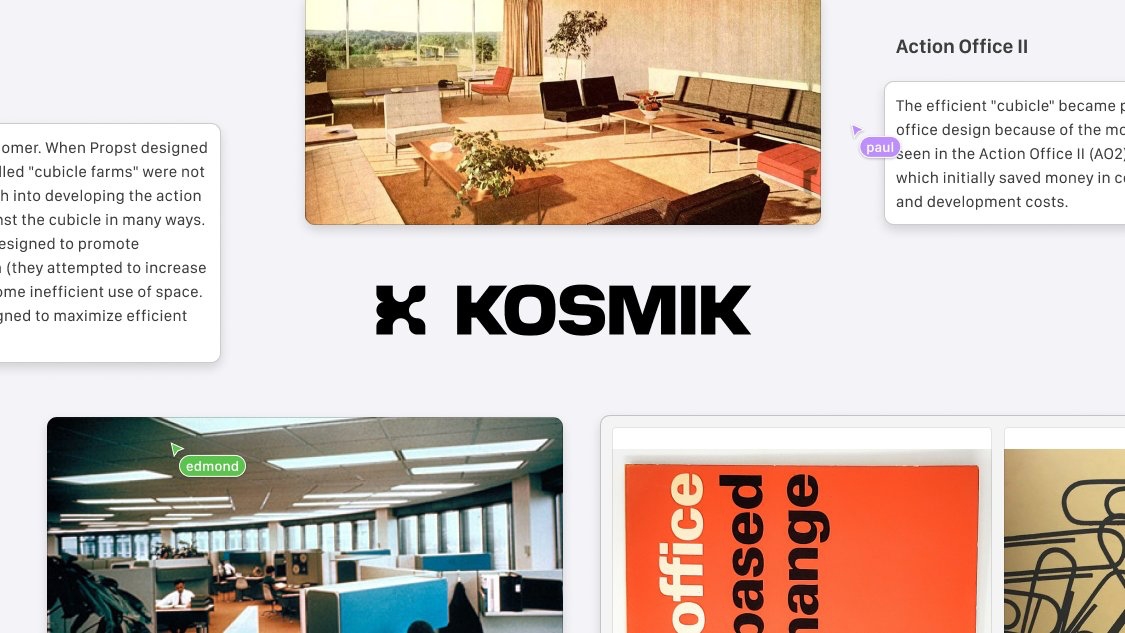
Kosmik
Transform your creative workflow with Kosmik's AI moodboard maker. Built-in browser, real-time collaboration, and infinite canvas for moodboarding.
Create moodboards in seconds with AI
Create moodboards in seconds with AI
Create moodboards in seconds with AI
Out of hand download folder ?
Too many Pinterest boards ?
Sooooo many tabs ?
Messy desktop ?
Out of hand download folder ?
Too many Pinterest boards ?
Sooooo many tabs ?
Messy desktop ?
Out of hand download folder ?
Too many Pinterest boards ?
Sooooo many tabs ?
Messy desktop ?
We got you covered!
Find moodboards assets in seconds.
Click on the AI search bar and Kosmik will find assets for your moodboard from the web. They appear right in your workspace, so you can keep building moodboard without breaking your momentum. You can even filter by website to narrow down your search and find moodboard inspiration from pinterest, cosmos, or any other resources you like.
Find moodboards assets in seconds.
Click on the AI search bar and Kosmik will find assets for your moodboard from the web. They appear right in your workspace, so you can keep building moodboard without breaking your momentum. You can even filter by website to narrow down your search and find moodboard inspiration from pinterest, cosmos, or any other resources you like.
Find moodboards assets in seconds.
Click on the AI search bar and Kosmik will find assets for your moodboard from the web. They appear right in your workspace, so you can keep building moodboard without breaking your momentum. You can even filter by website to narrow down your search and find moodboard inspiration from pinterest, cosmos, or any other resources you like.
Let Kosmik tag your content and build your inspiration library.
Kosmik automatically categorizes and tags everything you save. It recognizes objects, subjects, and even colors from your moodboard assets.
No need to remember filenames or folders - just describe what you’re looking for, and Kosmik will find it across your canvas.
Let Kosmik tag your content and build your inspiration library.
Kosmik automatically categorizes and tags everything you save. It recognizes objects, subjects, and even colors from your moodboard assets.
No need to remember filenames or folders - just describe what you’re looking for, and Kosmik will find it across your canvas.
Let Kosmik tag your content and build your inspiration library.
Kosmik automatically categorizes and tags everything you save. It recognizes objects, subjects, and even colors from your moodboard assets.
No need to remember filenames or folders - just describe what you’re looking for, and Kosmik will find it across your canvas.
A built-in browser for easy capture.
Kosmik includes a built-in browser so you can explore and collect inspirations for your moodboards without ever switching tabs. When you find something you like, drag it straight into your moodboard.
A built-in browser for easy capture.
Kosmik includes a built-in browser so you can explore and collect inspirations for your moodboards without ever switching tabs. When you find something you like, drag it straight into your moodboard.
A built-in browser for easy capture.
Kosmik includes a built-in browser so you can explore and collect inspirations for your moodboards without ever switching tabs. When you find something you like, drag it straight into your moodboard.
Play videos and capture key moments.
Kosmik can store and play videos directly on the canvas. Use the key frame button to capture frames and re-use them in your moodboards. Just like any other elements, videos and frames are tagged, and described for easy retrieval and re-use.
Play videos and capture key moments.
Kosmik can store and play videos directly on the canvas. Use the key frame button to capture frames and re-use them in your moodboards. Just like any other elements, videos and frames are tagged, and described for easy retrieval and re-use.
Play videos and capture key moments.
Kosmik can store and play videos directly on the canvas. Use the key frame button to capture frames and re-use them in your moodboards. Just like any other elements, videos and frames are tagged, and described for easy retrieval and re-use.
Share moodboards with colleagues,
clients, and work together
Collaborate on moodboards in real-time.
Create as many workspaces as you want to invite colleagues, clients, classmates or friends to collaborate on one or several moodboards.
Publish them to the web instantly.

Share moodboards with colleagues,
clients, and work together
Collaborate on moodboards in real-time.
Create as many workspaces as you want to invite colleagues, clients, classmates or friends to collaborate on one or several moodboards.
Publish them to the web instantly.
Share moodboards with colleagues,
clients, and work together
Collaborate on moodboards in real-time.
Create as many workspaces as you want to invite colleagues, clients, classmates or friends to collaborate on one or several moodboards.
Publish them to the web instantly.
Download Kosmik
macOS
Download for Mac
Designed with care for macOS Sonoma and Apple Sonoma, Kosmik offers great performance and gives you a seamless, delightful browsing experience.
Windows
Download for Windows
The whole Kosmik experience, re-designed for Windows, optimized for Windows 11.
Kosmik web clipper
Bookmark pages in a click and explore them again in Kosmik. Save images and texts, let Kosmik AI tag them to build your assets library.
[
Download for chrome
](https://chromewebstore.google.com/detail/kosmik-web-clipper/dhnllddnjeklbgnjggbplhodmmnmkgjp)

Download Kosmik
macOS
Download for Mac
Designed with care for macOS Sonoma and Apple Sonoma, Kosmik offers great performance and gives you a seamless, delightful browsing experience.
Windows
Download for Windows
The whole Kosmik experience, re-designed for Windows, optimized for Windows 11.
Kosmik web clipper
Bookmark pages in a click and explore them again in Kosmik. Save images and texts, let Kosmik AI tag them to build your assets library.
[
Download for chrome
](https://chromewebstore.google.com/detail/kosmik-web-clipper/dhnllddnjeklbgnjggbplhodmmnmkgjp)
What creatives are saying about Kosmik:
Start creating
About Kosmik
Resources
Let's be friends
Designed in Paris, with love 🥐

Start creating
About Kosmik
Resources
Let's be friends
Designed in Paris, with love 🥐
Related Tools
Supernotes
Fast note-taking app built around connected cards and collaboration.
Noya
Collaborative apps for businesses and individuals. Start creating your website, documentation, art, and more in minutes.
Popcorn Style
Popcorn Style is the standup timer that makes meetings shorter, clearer, and more fun.

Womp: Free 3D design software
Womp is the best free and beginner-friendly 3D modeling software to design easy 3D art in real time. Create 3D printing ready models and explore 3D typography, materials and assets on your browser.

Framous
The fastest way to add device frames to your screenshots.
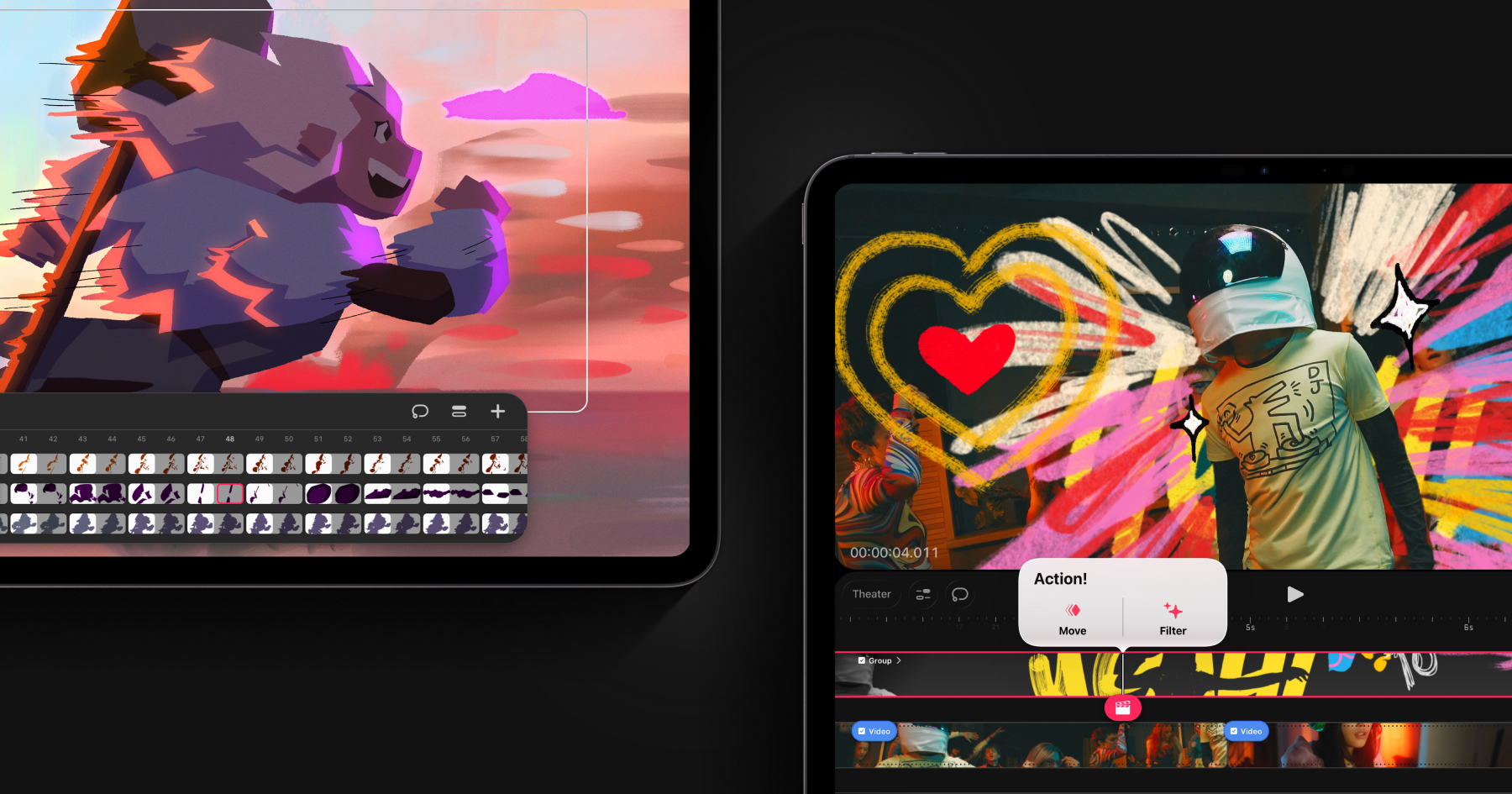
Procreate Dreams
Everything you need to create rich 2D animations, expressive videos, and breathtaking stories on iPad.
UI Fonts
Test and preview fonts in real-time for all your design needs. Choose the perfect typeface with ease. Free online font testing tool for designers and developers.

Lottielab
Create and ship animations to your products faster. Bring your websites and apps to life with the simplest editor for Lottie animations.

Parametric Color Mixer
A color palette composer inspired by audio parametric equalizers. Create beautiful color palettes with a scientific precision.

Pika
An open-source colour picker app for macOS

hue.tools
A free color mixer, blender, info and modifier tool. Mix multiple colors, get links for design inspiration and stock images based on a color, view various color combinations and modify colors in an intuitive.

Ok! So...
The drawing app to express, grasp, and organize your thoughts and ideas

Kite Compositor
Kite Compositor is a native UI animation design app for Mac.

Featurebase
Streamline feedback collection, support your customers, and announce product updates — all with one tool

Doodle Ipsum
Illustration placeholders for developers. Powered by Blush
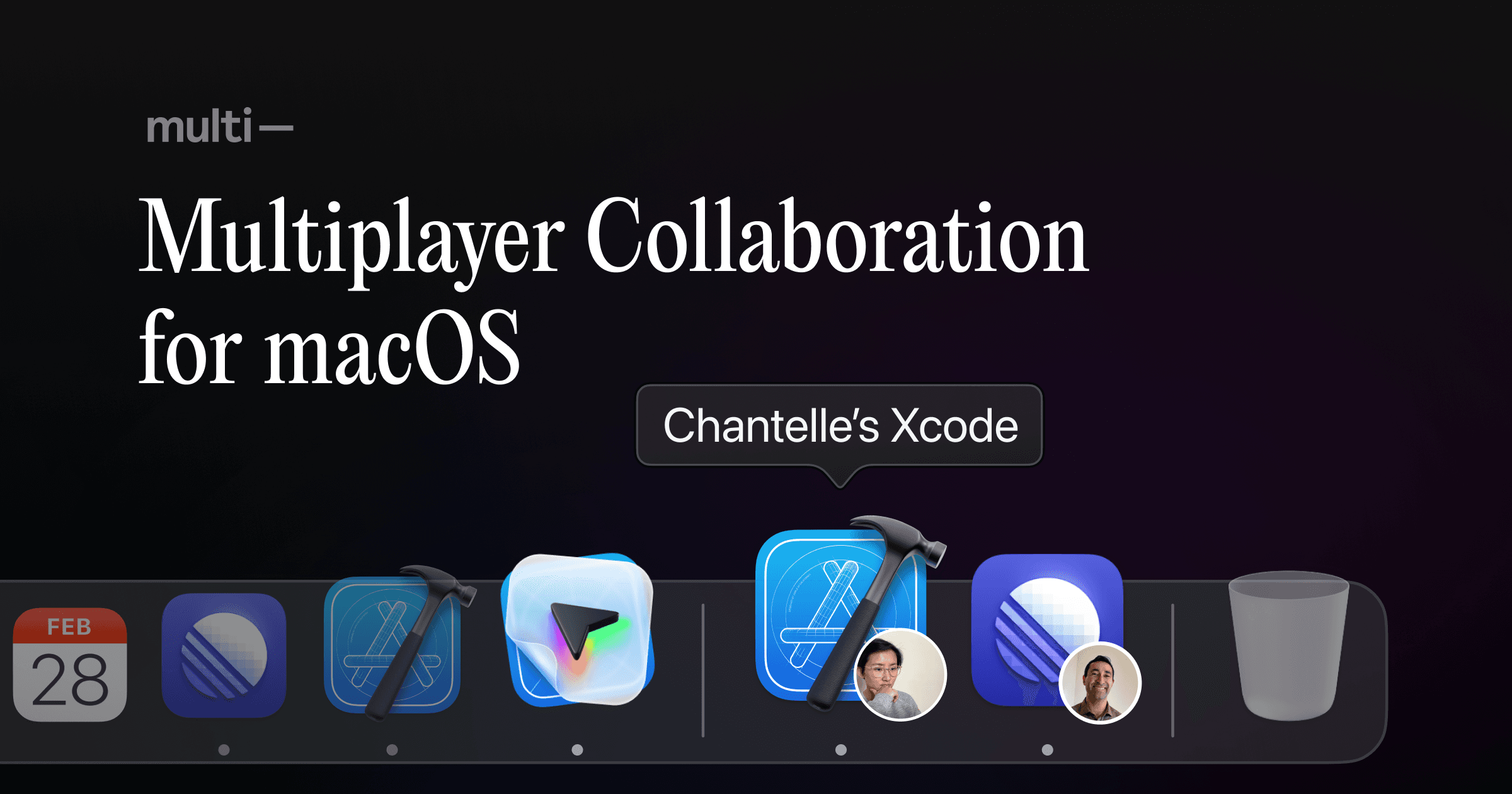
Multi
Unleash your team with multiplayer app sharing: Point, draw and edit in shared apps as if they’re on your computer. All in a beautifully crafted, native macOS app.
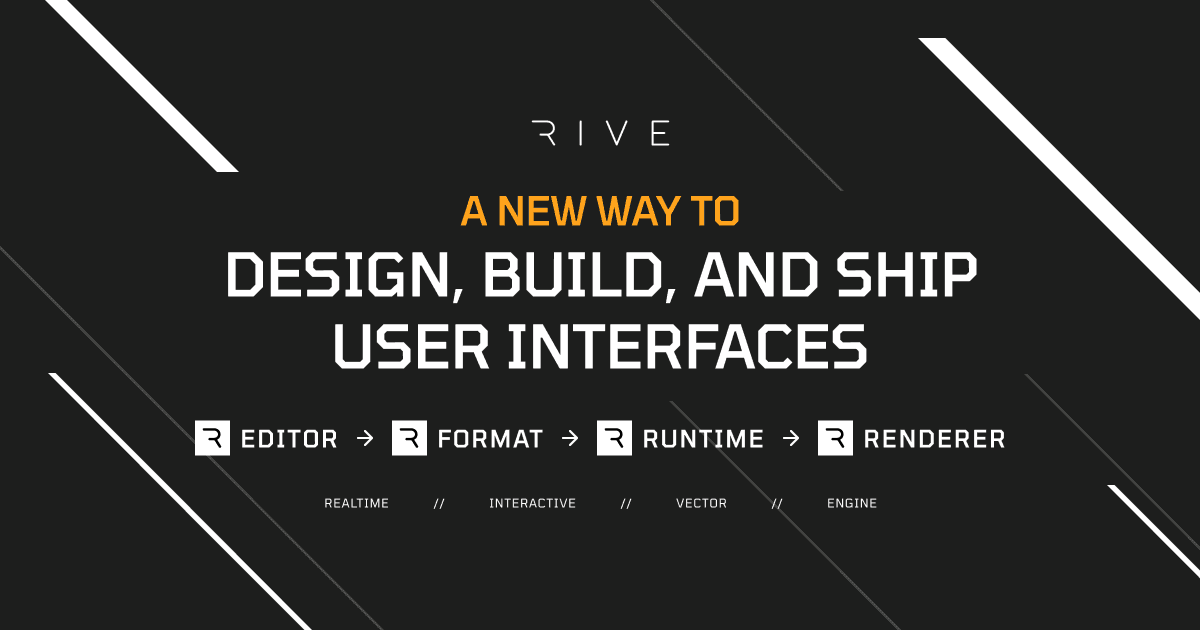
Rive
Design, code, and animate in one collaborative editor — then ship anywhere. Build apps, games, websites, vehicle interfaces, and more.
Kite Compositor
A powerful animation and prototyping application for Mac & iOS

Photopea
Photopea.com is a free online tool for editing raster and vector graphics with support for PSD, AI, and Sketch files.

Vectorpea
Vectorpea.com is a free online tool for editing vector graphics with support for AI, PDF and SVG files.

Figurative
Love Figma? Love your iPad Pro? Meet Figurative.

Mural
MURAL is a digital workspace for visual collaboration.

Miro
The online collaborative whiteboard platform to bring teams together, anytime, anywhere.

Leonardo
Create beautiful, accessible, and adaptive color systems using contrast-ratio based generated colors.

Vectornator
Vectornator Pro makes your designs more powerful. Visualize every detail, explore the space and let your creativity run wild.

Notion
All-in-one workspace. Write, plan, collaborate, and get organized. Notion is all you need — in one tool.

Accessible color palette builder
This is a tool to help designers build color palettes with combinations that conform with accessibility standards.

Sim Daltonism
The color blindness simulator.

Contrast
A macOS app for quick access to WCAG color contrast ratios.
Color Oracle
Design for the color impaired. A free color blindness simulator for Windows, Mac and Linux.

Colorable
Take a set color palette and get contrast values for every possible combination – useful for finding safe color combinations with predefined colors and includes pass/fail scores for the WCAG accessibility guidelines.

Colorbox
Comprehensive colour palette generator, now sponsored by Lyft.

Color Tool
Create, share, and apply color palettes to your UI, as well as measure the accessibility level of any color combination.

Colorblind Web Page Filter
Use the Colorblind Colorlab to select safe colors earlier in the design process.

Accessible brand colors
This tool shows you how ADA compliant your colors are in relation to each other. By adding your brand’s colors on the right, you can generate a chart to see how they can be used together for accessibility, and find similar colors that work better.

Color Safe
Empowering designers with beautiful and accessible color palettes based on WCAG Guidelines of text and background contrast ratios.
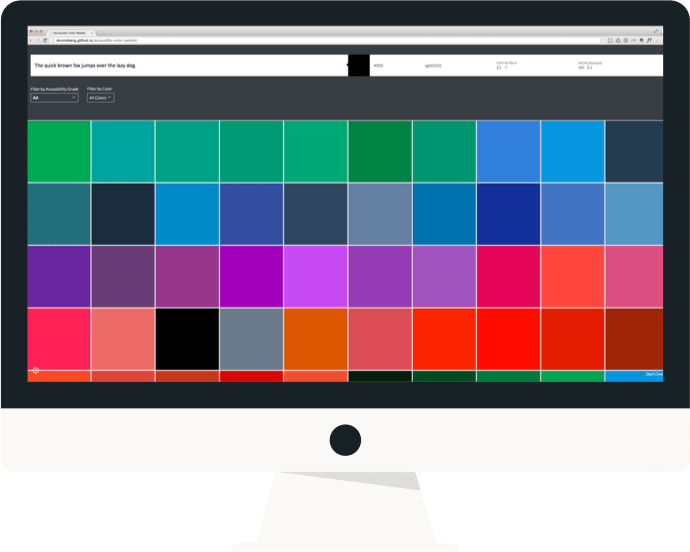
Accessible Colours
We evaluate your color combination using the WCAG 2.0 guidelines for contrast accessibility. If your combination does not meet the guidelines, we find the closest accessible combination by modifying the color lightness.

Figmac
A super lightweight Figma desktop app that delivers a more natural Mac experience.

Whimsical
The visual workspace. Communicate visually at the speed of thought.

Figma
Where teams design together. Design, prototype, and collaborate all in the browser.
Trello
Trello lets you work more collaboratively and get more done.

Drama
Draw user interfaces, create interactive prototypes and make animations.

ProtoPie
Interactive prototypes for the digital products of tomorrow.

InVision
Share prototypes, get feedback and hand-off to developers.

Adobe XD
Adobe's UX design tool. Basically their answer to Sketch.
Framer
A free prototyping tool for teams. Bring every idea to life in Framer.
UXPin
Collaborative online UX design and prototyping.

Affinity Designer
The fastest, smoothest, most precise vector graphic design software available for Mac, Windows and iPad.
Axure RP
The industry standard tool for creating wireframes and interactive prototypes.
GatherContent
Unify content creation, workflow, and collaboration.

Principle
Create animated user interfaces and prototypes.
Mokup
Create prototypes that look and feel like real apps.

Justinmind
All-in-one prototyping tool for web and mobile apps.

Origami Studio
A new tool for designing modern interfaces, built and used by designers at Facebook.
InVision Studio
Web-based design tool. Invision's version of Sketch.

Sympli
An enterprise-grade, integrated collaboration and workflow platform for building digital products.

HotGloo
Cross platform tool for creating low fidelity wireframes and prototypes.

Flinto
Create interactive and animated prototypes of app designs.
Marvel
Create and share prototypes, hand-off designs to developers.

Sketch
The industry-leading tool for digital design.
